Georgetown Hoyas Gameday Live10.0.8
Publisher Description

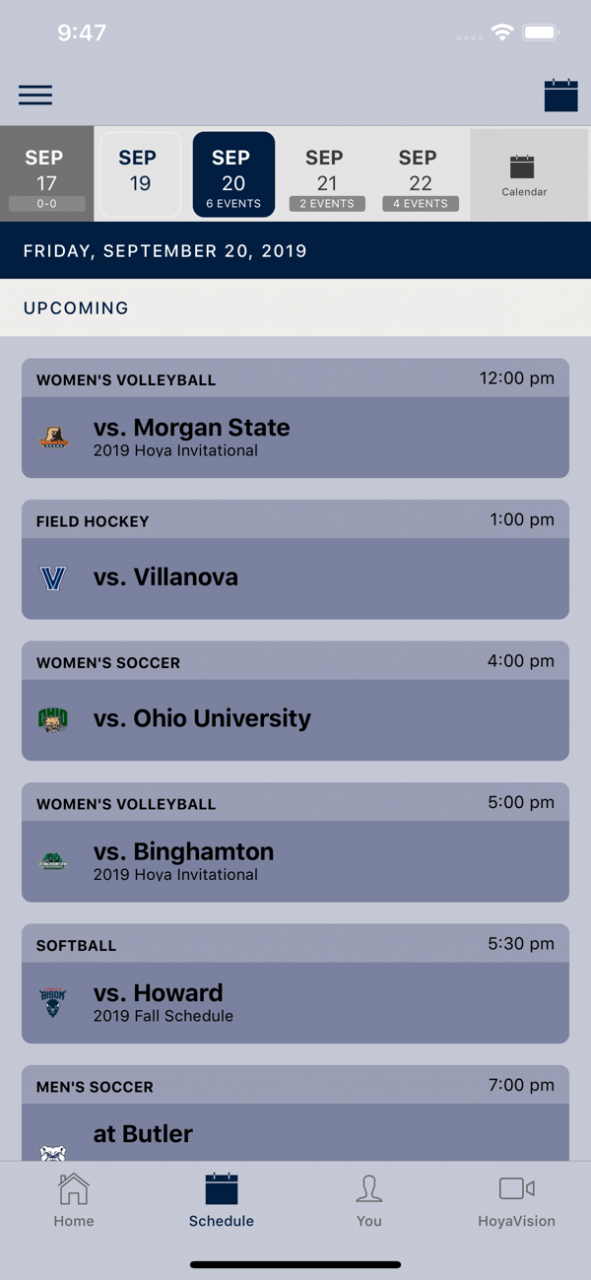
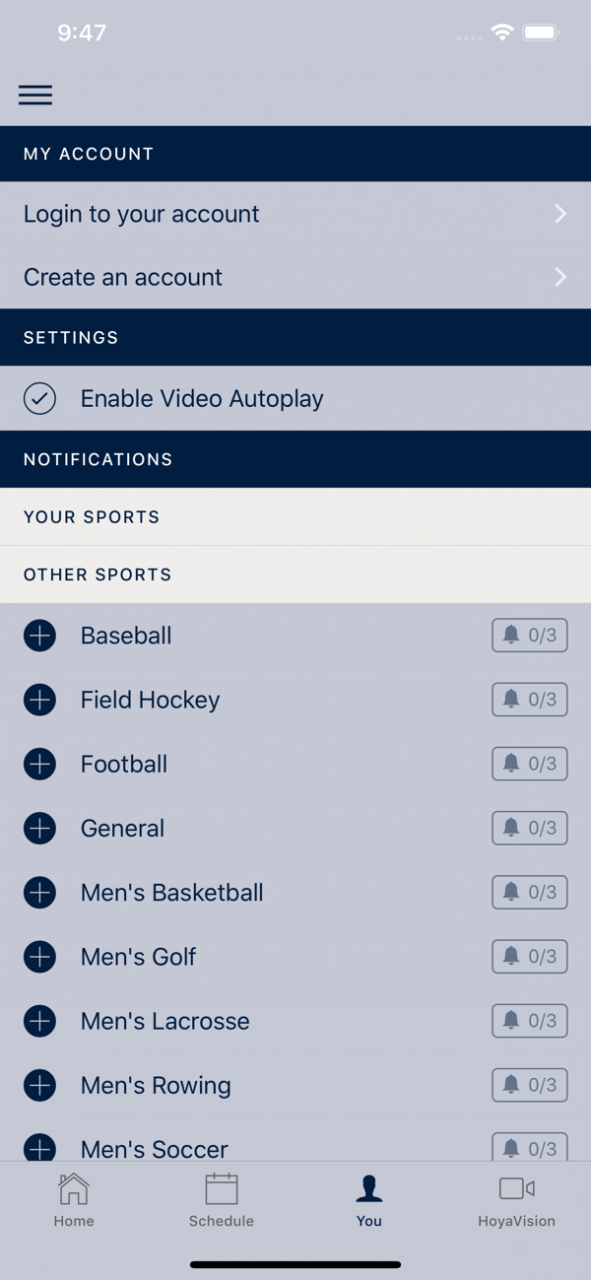
The Official Georgetown Hoyas Gameday Live app is a must-have for fans headed to campus or following the Hoyas from afar. With interactive social media, and all the scores and stats surrounding the game, the Georgetown Hoyas Gameday Live app covers it all!
Features Include:
+ SOCIAL STREAM - View and contribute to real-time Twitter, Facebook, and Instagram feeds from the team and fans
+ SCORES & STATS - All the scores, stats, and play-by-play information that fans need and expect during live games
+ ROSTERS - Check out the rosters and get to know your favorite players.
+ SCHEDULE - Complete schedule for Georgetown Athletic events.
+ NOTIFICATIONS - Custom alert notifications to let fans know important news
+ More!
Hoya Saxa!
Nov 11, 2021 Version 10.0.8
General Updates: Ticketmaster
About Georgetown Hoyas Gameday Live
The company that develops Georgetown Hoyas Gameday Live is CBS Interactive, Inc.. The latest version released by its developer is 10.0.8.
To install Georgetown Hoyas Gameday Live on your iOS device, just click the green Continue To App button above to start the installation process. The app is listed on our website since 2021-11-11 and was downloaded 3 times. We have already checked if the download link is safe, however for your own protection we recommend that you scan the downloaded app with your antivirus. Your antivirus may detect the Georgetown Hoyas Gameday Live as malware if the download link is broken.
How to install Georgetown Hoyas Gameday Live on your iOS device:
- Click on the Continue To App button on our website. This will redirect you to the App Store.
- Once the Georgetown Hoyas Gameday Live is shown in the iTunes listing of your iOS device, you can start its download and installation. Tap on the GET button to the right of the app to start downloading it.
- If you are not logged-in the iOS appstore app, you'll be prompted for your your Apple ID and/or password.
- After Georgetown Hoyas Gameday Live is downloaded, you'll see an INSTALL button to the right. Tap on it to start the actual installation of the iOS app.
- Once installation is finished you can tap on the OPEN button to start it. Its icon will also be added to your device home screen.
Program Details
System requirements
Download information
Pricing
Version History
version 10.0.8
posted on 2021-11-11
Nov 11, 2021 Version 10.0.8
General Updates: Ticketmaster
version 10.0.7
posted on 2021-08-04
Aug 4, 2021 Version 10.0.7
Ticketmaster Update
version 10.0.6
posted on 2021-03-03
Mar 3, 2021 Version 10.0.6
Bug fix: backwards game score (sorry!)
version 10.0.5
posted on 2021-02-18
Feb 18, 2021 Version 10.0.5
General Update: Ticketmaster
version 10.0.4
posted on 2020-08-04
Aug 4, 2020 Version 10.0.4
General Updates- Ticketing
version 10.0.4
posted on 2020-08-04
4 Aug 2020 Version 10.0.4
General Updates- Ticketing
version 10.0.3
posted on 2019-09-23
Sep 23, 2019 Version 10.0.3
General Enhancements - Ticketmaster Upgrade
